
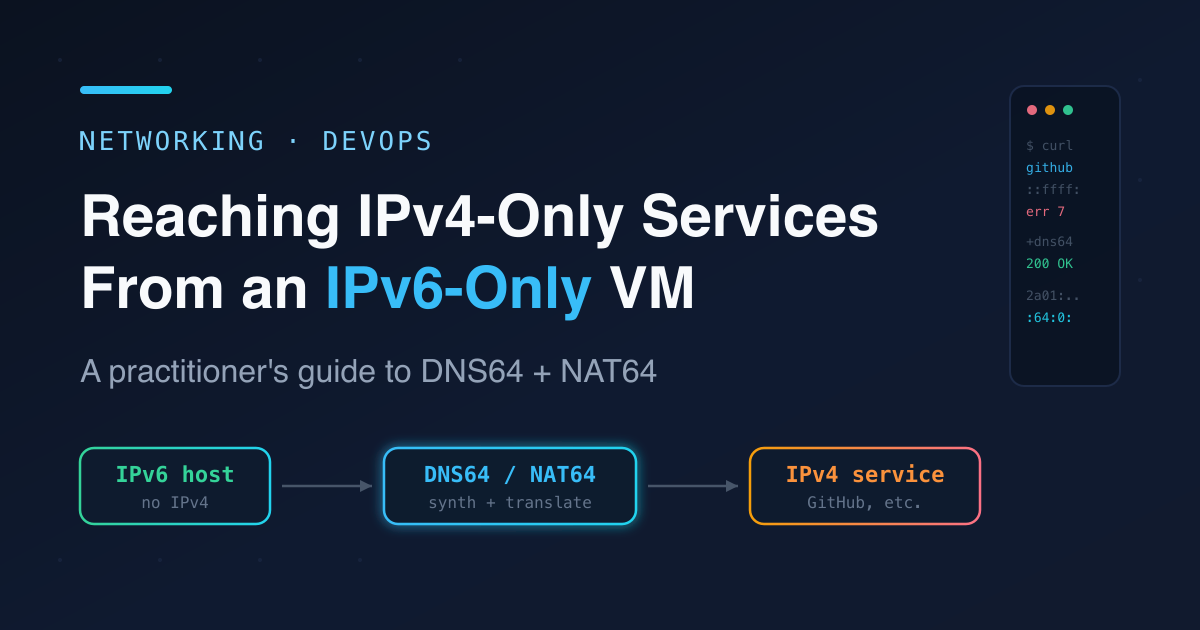

Reaching IPv4-Only Services From an IPv6-Only VM with DNS64/NAT64
I rented a cheap Scaleway instance that comes with a dual-stack-free deal: IPv6 only, no IPv4 address at all. Great for the price, until you try to install something whose binaries live on GitHub — and GitHub still doesn't speak IPv6. Here's the full diagnosis and a clean, persistent fix using DNS64 + NAT64, plus the sharp edges nobody mentions.
The symptom
Installing the Beszel monitoring agent died mid-download:
Downloading beszel-agent v0.18.7...
curl: (7) Couldn't connect to server
Failed to get checksum or invalid checksum format
The install script downloaded fine — its CDN is dual-stack — but the actual binary release couldn't connect. Classic "half the internet works" smell.
Diagnose before you fix
First, is this a routing problem or a DNS problem? Test raw IPv6 reachability with a literal address, bypassing DNS entirely:
ping6 -c2 2001:4860:4860::8888   # Google DNS over IPv6
# 64 bytes from 2001:4860:4860::8888: icmp_seq=1 ttl=117 time=1.26 ms
IPv6 internet works. So it's not routing. Next, what does GitHub actually resolve to?
getent ahostsv6 github.com
# ::ffff:140.82.121.4 STREAM github.com
That ::ffff: prefix is the tell. It's an IPv4-mapped address, not a real AAAA record — getent is just wrapping GitHub's IPv4 A record. GitHub publishes no IPv6, and this box has no IPv4 stack, so the connection is unroutable:
curl -sS https://github.com
# curl: (7) Couldn't connect to server
ping 140.82.121.4
# ping: connect: Network is unreachable
Two separate issues actually surfaced here. On this host /etc/resolv.conf also shipped with no nameserver at all (NetworkManager set ipv6.method manual with empty DNS), so every lookup failed. But even with a working resolver, IPv4-only hosts stay unreachable. Both are solved by the same move.
The fix: DNS64 + NAT64
DNS64 is a resolver that, when a host has no real AAAA, synthesizes one inside a special prefix. NAT64 is the gateway that translates packets sent to that prefix into real IPv4 on the other side. Together they make IPv4-only hosts transparently reachable over IPv6.
You can run your own (Jool or Tayga on a dual-stack box), but the free public nat64.net anycast service provides both DNS64 and NAT64. Point your resolver at it:
# Immediate fix
cat > /etc/resolv.conf <<'EOF'
search example.internal
nameserver 2a00:1098:2b::1
nameserver 2a00:1098:2c::1
nameserver 2a01:4f8:c2c:123f::1
EOF

# Persist it through NetworkManager
nmcli connection modify "System eth0" \
  ipv6.dns "2a00:1098:2b::1 2a00:1098:2c::1 2a01:4f8:c2c:123f::1"
⚠️ Don't
nmcli connection upover an SSH session bound to that interface — reactivation can drop you. Modifying the connection persists the setting for next boot; writingresolv.confby hand applies it now without a reconnect.
Verify the synthesis worked:
getent ahostsv6 github.com
# 2a01:4f9:c010:3f02:64:0:141a:9cd7   <-- synthesized, not ::ffff:
curl -sS -o /dev/null -w '%{http_code}\n' https://github.com
# 200
The agent installed cleanly after that. Lookup → synthesized address → NAT64 gateway → IPv4 GitHub. Fully transparent: apt, git, curl all just work, no per-tool config.
The gotcha: literal IPv4 addresses
Transparency only kicks in when there's a DNS lookup. Hand a raw IPv4 to curl and there's nothing to synthesize:
curl http://140.82.121.4
# curl: (7) Couldn't connect to server
To hit a bare IP you embed it into the NAT64 prefix yourself. The prefix this resolver hands out is 2a01:4f9:c010:3f02:64:0::/96 — the last 32 bits are the IPv4, in hex:
140 . 82 . 121 . 4
8c   52   79     04   ->  2a01:4f9:c010:3f02:64:0:8c52:7904
curl -sS -o /dev/null -w '%{http_code}\n' \
  --resolve github.com:443:2a01:4f9:c010:3f02:64:0:8c52:7904 https://github.com
# 200
In day-to-day use you'll almost never do this — use hostnames and forget the prefix exists. But it's worth knowing why a hardcoded IP in some config file mysteriously fails.
Caveats worth internalizing
pingis a misleading test. ICMP echo over NAT64 frequently isn't translated — I got 100% loss to an address that served HTTP 200 over TCP a second later. Test reachability withcurl/TCP, not ping.Outbound only. This lets the VM reach IPv4. It does not give the VM an IPv4 address, so IPv4-only clients still can't reach you. For inbound you need a dual-stack reverse proxy or something like Cloudflare in front.
You're trusting a third party. Every translated connection — including TLS SNI and unencrypted traffic — transits someone else's gateway. Fine for pulling packages and updates. For anything sensitive or latency-critical, run your own NAT64 (Jool/Tayga) or use your provider's managed offering.
The prefix isn't yours to hardcode. nat64.net is anycast; the prefix you get can vary by node. Don't bake a synthesized address into config — let DNS64 do it each time.
Takeaways
Diagnose layers separately. Ping a literal IPv6 address to isolate routing from DNS; an
::ffff:result fromgetentmeans "IPv4-only host, no native IPv6."DNS64+NAT64 is the transparent fix for an IPv6-only host that still needs the IPv4 web — one resolver change covers everything that uses hostnames.
Know the escape hatch: literal IPv4 → embed in the
/96prefix as hex.It's outbound-only and third-party — graduate to self-hosted NAT64 once it becomes load-bearing.
IPv6-only hosting is cheap and increasingly common. A few lines of resolver config turn "half the internet is broken" into a box that behaves normally — as long as you remember the translation layer is there when something acts strange.